The Method :
To save FPS I have decided to create a Type for each collision that happens with all the relavent Datas (X,Y,Radius)
In the Update Function I check the Area with in the Radius of each Explosion (only x Axis ,y is checked from 0 to Maxheight of the Terrain) if the below Pixel is Transparent or not. If it is the above Pixel is set to the below Pixel and the above Pixel is set to be Transparent. Also to Speed it up abit it checks if there are Transparent Pixels below others and if not the Type is deleted.
Here is the Method (for those who are interrested):
BTW: I have gone away from the Scale Method and now I'm using a tile based Terrain.
Oh and some screenies for you AngelDaniel:
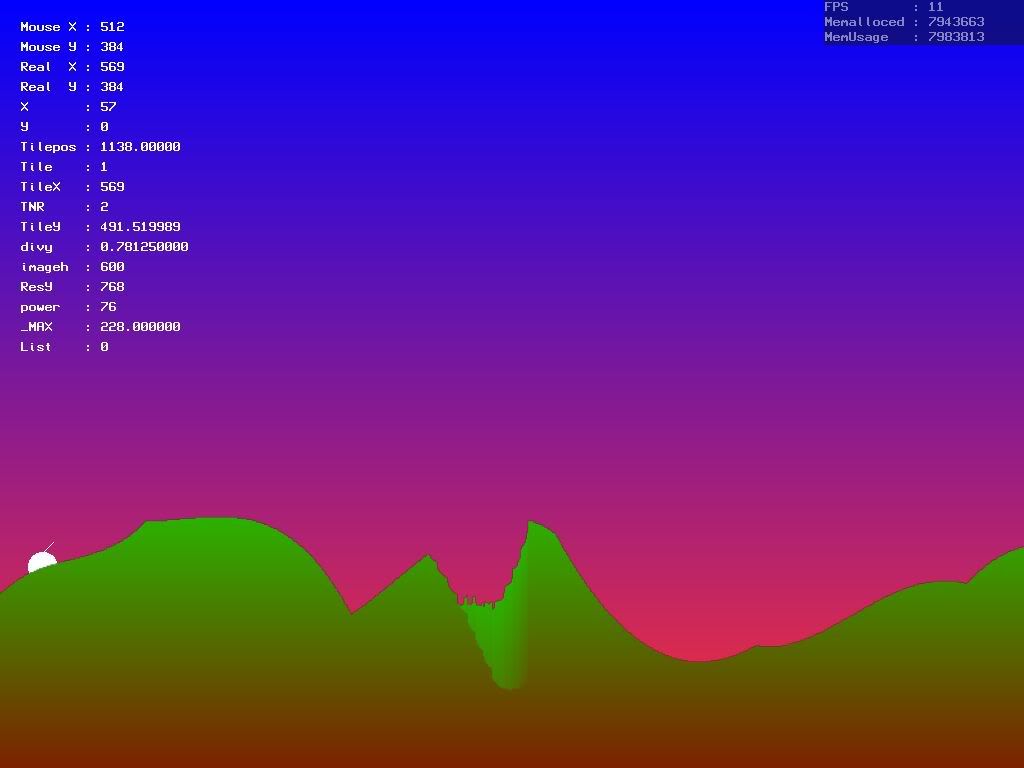
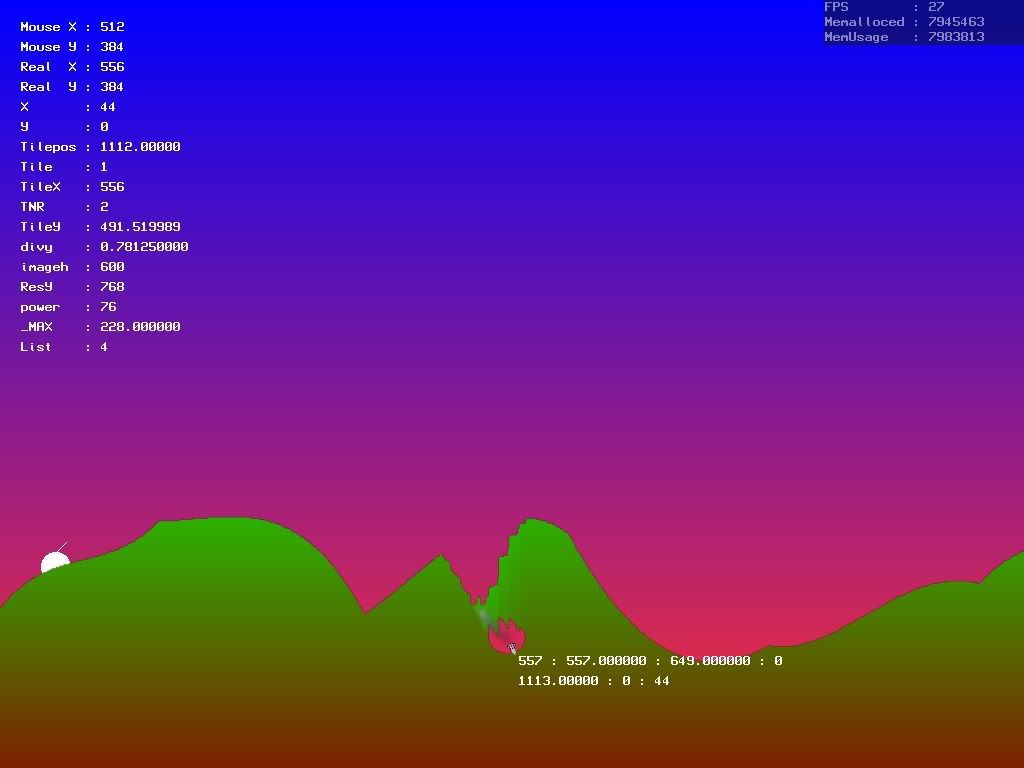
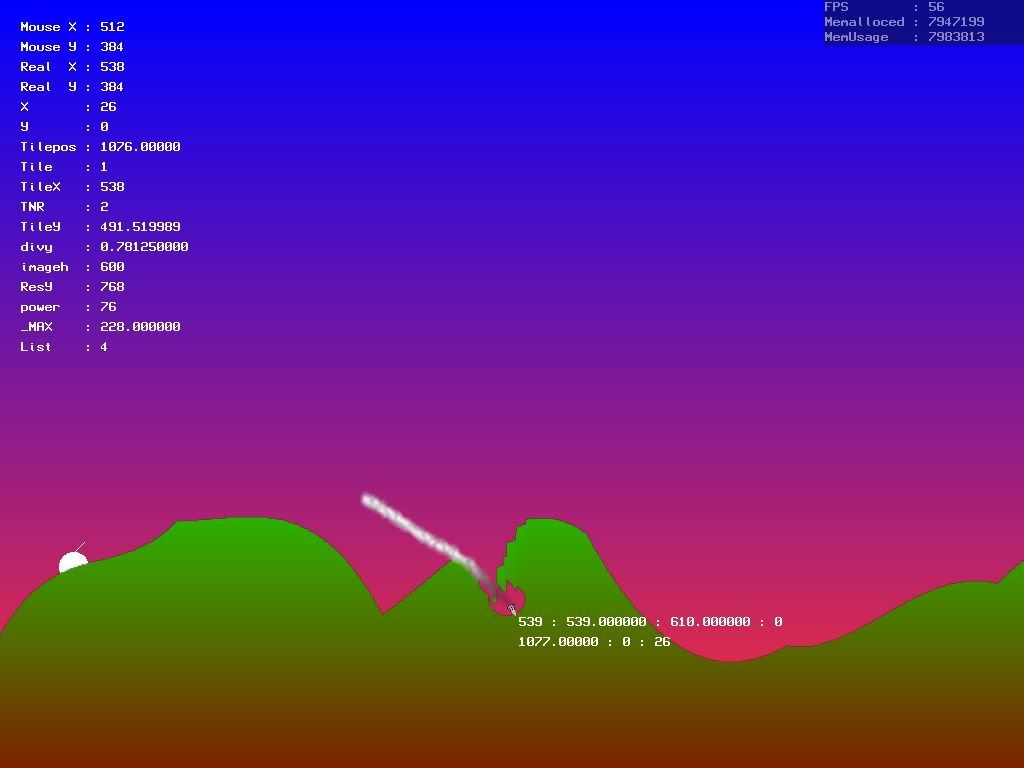
To save FPS I have decided to create a Type for each collision that happens with all the relavent Datas (X,Y,Radius)
In the Update Function I check the Area with in the Radius of each Explosion (only x Axis ,y is checked from 0 to Maxheight of the Terrain) if the below Pixel is Transparent or not. If it is the above Pixel is set to the below Pixel and the above Pixel is set to be Transparent. Also to Speed it up abit it checks if there are Transparent Pixels below others and if not the Type is deleted.
Here is the Method (for those who are interrested):
Method Land_Drop()

	For local D1:TDrop = eachin Drop_list

	locaL IS:bYTE = false
		local land:Tpixmap = Lockimage(Tile[D1.Tile])

			For _x = D1.X - D1.R to D1.X + D1.R step 1
			 if _X >-1 and _X < Imagewidth(Tile[D1.Tile]) then
				For _y =  Imageheight(Tile[D1.Tile])-1 to Imageheight(Tile[D1.Tile])-(MaxH-1) step -1


				_c1 = Readpixel(land,_x,_y)
				_c2 = Readpixel(land,_x,_y-1)

				if _c1 = $00000000 and _c2 <> $00000000 then
					WritePixel land,_x,_y-1, $00000000
					Is = true
					WritePixel land,_x,_y,_c2
					'Exit
				end if
				Flushmem()
				Next
			 endif
			Next
			if is = false then ListRemove(Drop_list,D1)
		Next

End Method
BTW: I have gone away from the Scale Method and now I'm using a tile based Terrain.
Oh and some screenies for you AngelDaniel: